Setting Up an Account on Go Outdoors South Carolina
It’s a familiar scenario for so many of us: the sun is shining, the boat is gassed up, or the pier is calling your name, and all you can think about is getting a line in the water. But then you remember that crucial first step – ensuring your fishing license is in order. For anglers in the Palmetto State, the gateway to legal, hassle-free fishing is the Go Outdoors South Carolina portal. This guide will walk you through the entire process of setting up your account, managing your licenses, and making sure you’re always ready for your next big catch.
The Essential First Step: Why You Need a Go Outdoors South Carolina Account
Many folks mistakenly think they only need to visit the Go Outdoors South Carolina website once a year to buy a license, then they're done. While that’s certainly a primary function, setting up a permanent account is about so much more than a single transaction. It’s about creating a centralized hub for all your fishing (and hunting, if you partake) activities in the state, ensuring you stay compliant and organized.
Beyond Just Buying a License: Managing Your Fishing Life
Think of your Go Outdoors South Carolina account as your personal digital fishing locker. Once you've established your account, it securely stores a history of all the licenses, permits, and tags you’ve ever purchased. This is incredibly useful for several reasons. Have you ever forgotten when your license expires? Your account provides a clear overview, letting you easily check your South Carolina Fishing License Renewal Basics. It also keeps records of any hunter education courses you might have taken or specific permits for specialized activities.
For instance, imagine you're planning a trip to the Santee Cooper lakes, renowned for their incredible bass and catfish. You might want to grab a specific permit for certain species or activities, and your account makes it easy to add these. This historical data isn't just for your convenience; it also helps the South Carolina Department of Natural Resources (SCDNR) track participation and manage resources effectively, contributing to the health of our fisheries for years to come. It’s like having a digital receipt for every fishing adventure you’ve ever planned, right at your fingertips.
Streamlining Your Experience: Convenience and Accessibility
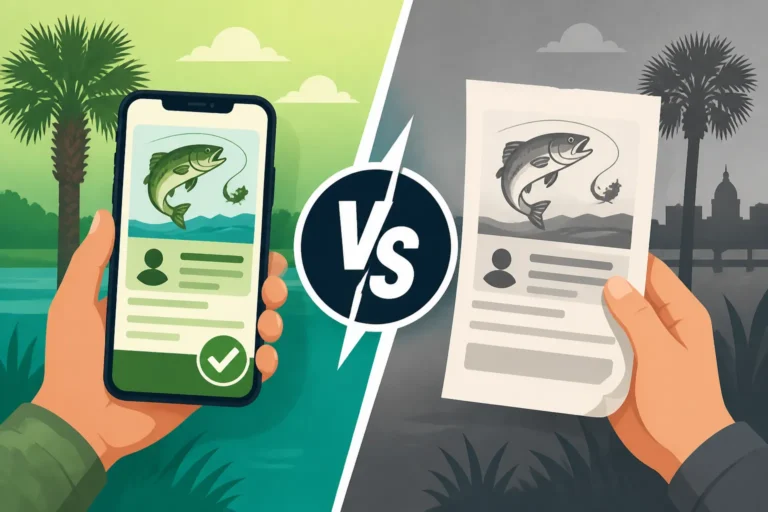
In today’s fast-paced world, convenience is king. Gone are the days of needing to rush to a physical store during business hours just to get a piece of paper. With a Go Outdoors South Carolina account, you have 24/7 access to purchase, review, and print your licenses from anywhere with an internet connection. Whether you're planning a spontaneous weekend trip or suddenly realize your license is expired the night before an early morning run, the portal has you covered. You can even access it on your phone, making it simple to pull up your digital license if a game warden asks to see it while you're out on the water.
This accessibility also extends to managing your personal details. Moved recently? Changed your phone number? You can update all your contact information directly within your account, ensuring that any important communications from SCDNR reach you without a hitch. This seamless experience means less time dealing with paperwork and more time enjoying the incredible fishing opportunities that South Carolina offers. It’s all about making your life as an angler easier, so you can focus on the thrill of the catch rather than the bureaucracy.
A Step-by-Step Guide to Creating Your Go Outdoors SC Account
Setting up your account on the Go Outdoors South Carolina portal is a straightforward process, designed to be user-friendly. However, having all your ducks in a row before you start will make it even smoother.
Gathering Your Information: What You'll Need
Before you even click "create account," take a moment to collect the necessary personal information. This will prevent delays and frustration during the registration process. Here's a quick checklist of what you'll typically need:
- Your full legal name: As it appears on your government-issued ID.
- Date of birth: To verify your age and eligibility for certain licenses (e.g., senior licenses or youth exemptions).
- Social Security Number (SSN): This is often required for identification and to ensure compliance with federal mandates, especially for licenses that are federally regulated.
- Proof of residency: If you're applying for a resident license, you'll need to confirm your South Carolina address. This usually involves providing your street address, city, state, and zip code. SCDNR may use other methods to verify residency, but accurate address information is key.
- Email address: This is essential for account verification, password recovery, and receiving important communications.
- Phone number: For additional contact and verification purposes.
- Credit or debit card: While not strictly for account creation, you'll need this when you eventually purchase your fishing license. Having it ready makes the entire process seamless.
Having these details handy, just like you'd keep your Amazon Prime login details close, ensures you can move through the steps without constantly searching for information.
Navigating the Online Portal: The Account Creation Process
Now, let's dive into the actual steps of setting up your account on the Go Outdoors South Carolina portal.
- Visit the Official Website: Open your web browser and go to the official Go Outdoors South Carolina website. Look for a prominent "Sign In / Register" or "Create Account" button, usually located in the top right corner of the page.
- Start Registration: Click on the "Register" or "Create Account" option. You'll typically be prompted to choose whether you're a new customer or if you've purchased licenses in the past (even if not online). If you've never used the online system before, select "New Customer."
- Provide Personal Details: You'll be directed to a form where you'll input the personal information you gathered earlier:
- Full Name
- Date of Birth
- Social Security Number
- Physical Address (and mailing address if different)
- Email Address
- Phone Number
Be meticulous when entering your SSN and date of birth, as these are critical for identification. Any discrepancies could cause issues down the line.
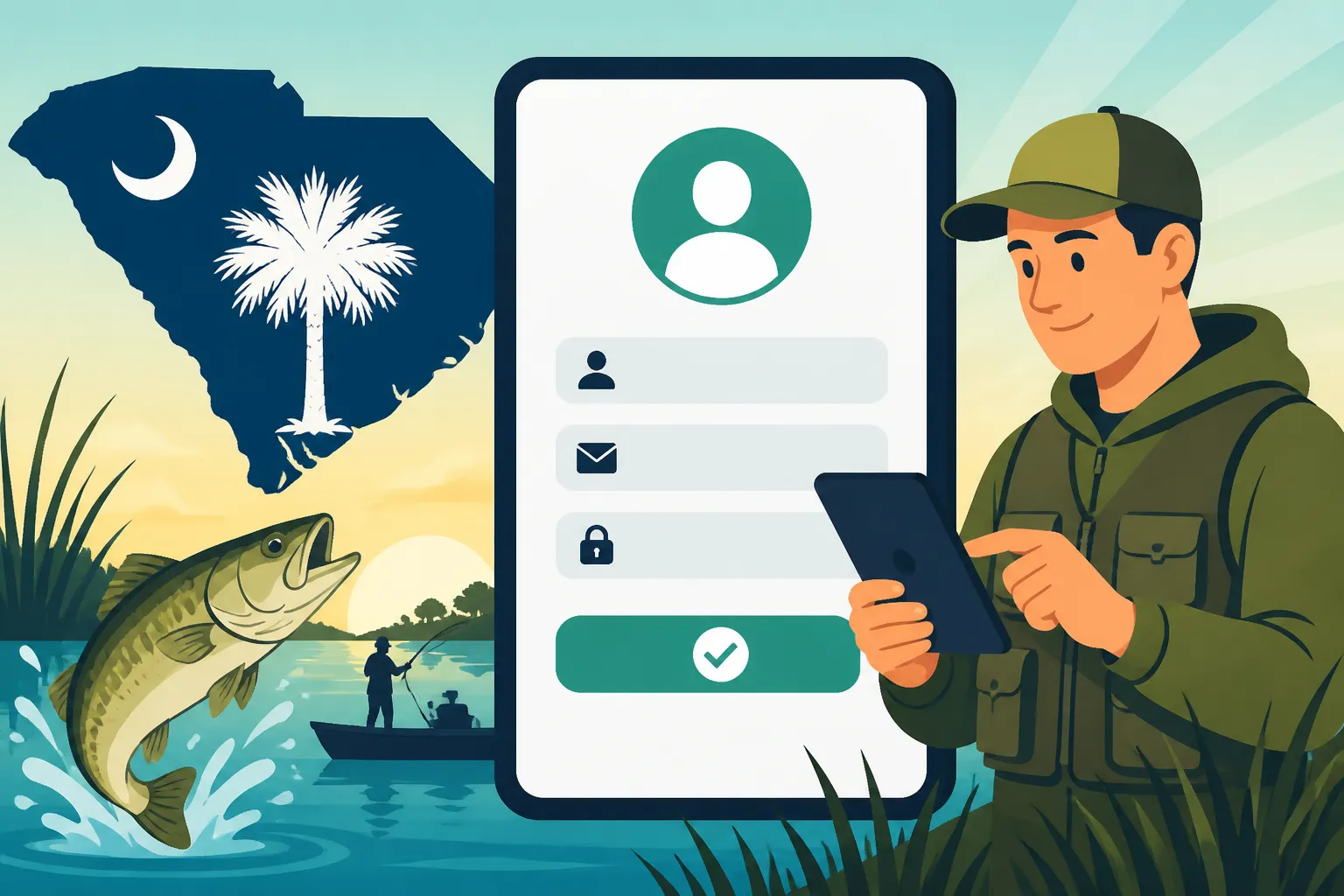
- Create Login Credentials: You'll be asked to create a unique Username and Password for your account. Choose a strong password that combines uppercase and lowercase letters, numbers, and symbols to ensure security. Make a note of your username and password in a secure place.
- Security Questions: Many systems, including Go Outdoors SC, require you to set up security questions. These are crucial for recovering your account if you ever forget your password. Choose questions you can easily remember the answers to, but which would be difficult for someone else to guess.
- Review and Submit: Carefully review all the information you've entered. Double-check for typos, especially in your name, date of birth, and SSN. Once you're confident everything is accurate, click "Submit" or "Create Account."
This entire process is part of what makes the Go Outdoors Online License Portal Explained so valuable – it's designed to be intuitive, guiding you through each stage.
Verifying Your Account and Initial Login
After submitting your registration, there's usually a final verification step.
- Email Verification: You'll likely receive an email from Go Outdoors South Carolina asking you to verify your email address. This is a standard security measure to ensure the email provided is valid and belongs to you. Click the link in the email to complete the verification process. If you don't see it, check your spam or junk folder.
- First Login: Once your email is verified, you can return to the Go Outdoors South Carolina website and use your newly created Username and Password to log in. You should now be directed to your personal dashboard.
Congratulations! You've successfully created your Go Outdoors South Carolina account. Now you're ready to explore its features and get that fishing license! If you're wondering how to proceed with the purchase, you'll find comprehensive information in the guide on Buying a South Carolina Fishing License Online.
Mastering Your Go Outdoors Dashboard: Features and Functions
Once you're logged into your Go Outdoors South Carolina account, you'll land on your personal dashboard. This isn't just a static page; it's a dynamic hub where you can manage all aspects of your interactions with SCDNR, from licenses to permits and even hunter education. Getting familiar with this dashboard will save you time and ensure you're always up-to-date.
Managing Your Licenses and Permits
The primary function of your dashboard, especially for anglers, is the ability to view and manage your fishing licenses and related permits. This section is usually clearly labeled, perhaps as "My Licenses" or "Purchase/Manage Licenses."
Here's what you can typically do:
- View Current Licenses: You'll see a list of all your active licenses, including the type (e.g., Resident Freshwater Fishing License), the purchase date, and most importantly, the expiration date. This makes it incredibly easy to keep track of your validity periods and avoid any accidental lapses.
- Purchase New Licenses: If you need a new type of license, or if your current one is nearing expiration, you can initiate a new purchase directly from this section. The system will guide you through selecting the correct license based on your residency and the type of fishing you plan to do. For example, you might need to buy a South Carolina Annual Fishing License Price Breakdown if you plan to fish year-round.
- Print and Re-print Licenses: Lost your physical license? No problem. Your dashboard allows you to easily print a copy of any valid license you hold. This is a huge convenience, saving you a trip to a vendor. For more details on this, check out Printing Your Fishing License After Buying It Online. Remember, while a digital copy on your phone is often accepted, having a physical backup, perhaps laminated, is always a good idea.
- Access Past Licenses: Even expired licenses remain in your history, providing a complete record of your licensing activities over time. This can be helpful for personal record-keeping or if you ever need to reference past purchases. Keeping an eye on South Carolina Fishing License Renewal Basics through this feature is crucial.
Personal Information and Security
Your dashboard isn't just about licenses; it's also where you control your personal details and account security. Maintaining accurate information here is vital for compliance and communication.
- Update Contact Information: If you change your address, phone number, or email, you can easily update these details within your profile. This ensures SCDNR can reach you with important notices, regulation changes, or even emergency alerts relevant to your fishing activities.
- Change Password: Regularly changing your password is a good security practice. Your dashboard will have a dedicated section for this, usually under "My Profile" or "Account Settings." If you ever suspect your account has been compromised, this is the first place to go.
- Review Security Questions: You can also review and update your security questions and answers, which are essential for account recovery.
- Residency Status: For residents, this section often confirms your residency status. If you're a non-resident contemplating a move to South Carolina, understanding the difference in license costs, like Resident vs Nonresident Fishing License Price Differences, starts with correctly identifying your residency.
Maintaining accurate and secure account information is paramount. Just as you’d safeguard your financial details when making a purchase on Amazon, treat your Go Outdoors account with the same level of care.
Exploring Other Services: Hunter Education, Lottery, and More
While fishing licenses are a major draw, the Go Outdoors South Carolina portal is a comprehensive system for all outdoor enthusiasts. Your dashboard provides links and access to a variety of other services offered by the SCDNR.
- Hunter Education: If you or a family member is interested in hunting, you can find information on required
Hunter Educationcourses and even register for them through the portal. - Permit Lotteries: For certain highly sought-after permits (like special hunting tags or access to limited-entry areas), the SCDNR might run a lottery system. Your account is where you'd typically apply for these.
- Report Harvests: For some species, reporting your harvest is mandatory. Your dashboard provides a clear interface for submitting these reports, which are vital for wildlife management.
- Donations and Conservation: You might find opportunities to contribute to conservation efforts directly through your account, supporting the very natural resources you enjoy.
By taking a few minutes to explore your dashboard, you'll discover the full scope of what your Go Outdoors South Carolina account offers, making you a more informed and compliant outdoor adventurer.
Common Hurdles and How to Clear Them During Account Setup
Even with the best intentions and clear instructions, sometimes technology throws us a curveball. It’s completely normal to encounter a few hiccups when setting up or managing an online account. The key is knowing how to address them effectively without getting overly frustrated.
Forgotten Passwords and Usernames
This is, without a doubt, the most common issue users face. You've created an account, maybe months ago, and now you can't remember your login details. Don't panic! The Go Outdoors South Carolina portal has built-in recovery options.
- Password Reset: Look for a "Forgot Password?" or "Reset Password" link on the login page. Clicking this will typically ask you for your username or the email address associated with your account. An email with instructions to reset your password will then be sent to that address. Make sure to check your spam folder if it doesn't appear in your inbox right away.
- Username Recovery: If you've forgotten your username, there's usually a "Forgot Username?" option too. This might require you to enter your email address, date of birth, or even your SSN to help the system identify you and retrieve your username.
- Utilize Security Questions: If the automated email recovery isn't working for some reason, the security questions you set up during registration will come into play. Be prepared to answer them accurately.
For more detailed assistance with login issues, the Go Outdoors Login Help for License Buyers page is your go-to resource. Remember, writing down your login details in a secure, physical location (not just on a sticky note by your computer!) can prevent these headaches in the first place.
Data Entry Errors and Verification Issues
Another common snag is making a mistake during initial data entry, which can lead to verification problems down the road. This is especially critical when dealing with sensitive information like your Social Security Number or date of birth.
- Typographical Errors: A single typo in your name or SSN can prevent the system from matching your information with existing state records. Always double-check these critical fields before submitting.
- Residency Verification: Sometimes, the system might have trouble verifying your residency, especially if you've recently moved or if your address on file with other state agencies is outdated. If you believe there’s an error, or if you can't proceed, you might need to contact SCDNR customer support. They can often manually review your information or guide you on what additional documentation might be needed.
- Browser and Cache Issues: Occasionally, technical glitches can stem from your web browser. Try clearing your browser's cache and cookies, or even attempt to access the portal from a different browser (like Chrome, Firefox, or Edge). Sometimes, simply restarting your computer or trying on a different device, perhaps a tablet you ordered from Amazon, can resolve connection issues.
Payment Processing Glitches
While this usually comes after account creation when you're actually purchasing a license, payment issues can be a significant roadblock.
- Card Declined: This could be due to incorrect card details (number, expiration, CVV), insufficient funds, or a fraud alert from your bank. Double-check all numbers and ensure your card is active. It's always a good idea to notify your bank if you're making a larger or unusual online purchase.
- Connection Problems: A poor internet connection can interrupt the payment process. Ensure you have a stable connection before attempting a transaction.
- Supported Payment Methods: The Go Outdoors South Carolina portal typically accepts major credit and debit cards. If you're trying to use a less common payment method, it might not be supported. The guide on What Payment Methods Go Outdoors South Carolina Accepts can clarify which options are available.
- Transaction Timeout: If you take too long to complete the payment section, the session might time out. Be ready to enter your card details swiftly once you initiate the payment process.
If you encounter persistent payment problems, don't keep trying the same thing repeatedly. Contact your bank first, and if the issue isn't with them, reach out to SCDNR customer support for assistance. They can often provide insights into why a transaction might be failing.
Here's a quick reference table for common account issues:
| Issue Type | Common Cause | Recommended Solution |
|---|---|---|
| Forgotten Password/Username | Infrequent login, multiple accounts | Use "Forgot Password/Username" link, answer security questions. |
| Account Verification Error | Typo in name/SSN/DOB, residency mismatch | Double-check all input, contact SCDNR support if persistent. |
| Website Access Problems | Browser cache, internet connection | Clear cache/cookies, try different browser/device, restart computer. |
| Payment Declined | Incorrect card details, insufficient funds, bank fraud alert | Verify card info, check with bank, ensure sufficient funds. |
| License Not Showing | Incomplete purchase, processing delay | Check email for confirmation, log out and back in, contact SCDNR support. |
By being proactive and knowing these common issues and their solutions, you can ensure a smooth experience with your Go Outdoors South Carolina account, getting you closer to enjoying the beautiful waters of the Palmetto State. Before you head out, make sure you have all the necessary gear, which you can easily find on Amazon.
Disclaimer
The information provided in this guide is intended for general informational purposes only. While we strive to provide accurate and up-to-date content, fishing regulations, licensing requirements, and online portal functionalities can change. It is always the angler's responsibility to consult the official South Carolina Department of Natural Resources (SCDNR) website or contact them directly for the most current and authoritative information before engaging in any fishing activities.